Dynamics 365 vs Power Apps: What’s the Real Difference in 2026?
Choosing the right business application platform in 2026 is no longer just an IT decision—it’s a strategic growth decision.
A recent report from Forrester reveals that organizations adopting low-code platforms like Power Apps achieved an impressive 188% ROI within three years, while enterprises using Microsoft Dynamics 365 reported up to 40% improvement in operational efficiency.
No surprise, then, that two Microsoft platforms dominate this conversation: Dynamics 365 and Power Platform (Power Apps).
While both are part of Microsoft’s ecosystem, they solve very different business problems.
If you’re still unsure where your organization fits in the Dynamics 365 vs Power Apps debate, you’re not alone. In this article, we’ll break down the real differences, explore practical use cases, and help you decide which platform—or combination—delivers the most value in 2026 and beyond.
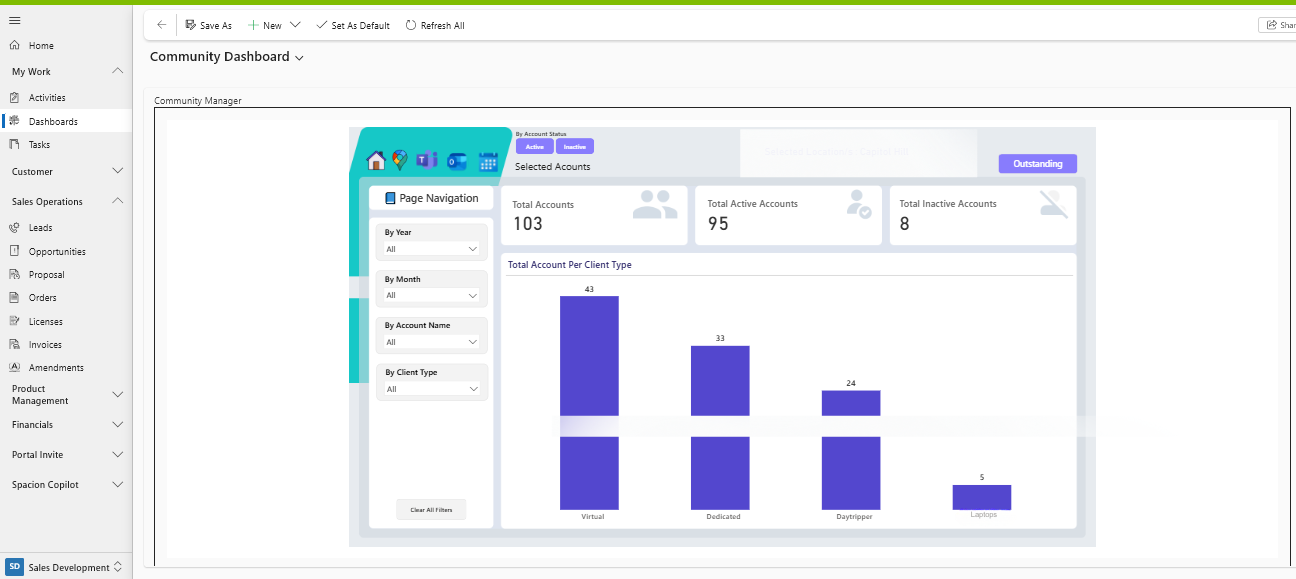
Microsoft Dynamics 365 is a cloud-based suite of intelligent business applications that combines CRM (Customer Relationship Management) and ERP (Enterprise Resource Planning) into one unified platform. It helps organizations manage sales, marketing, customer service, finance, supply chain, HR, and operations using a shared data model and real-time insights.
Built on Microsoft Azure and tightly integrated with tools like Microsoft 365, Power Platform, and Copilot, Dynamics 365 enables businesses to connect data, automate processes, and make smarter decisions faster. Its modular design allows companies to start with specific apps—such as Sales, Finance, or Business Central—and scale seamlessly as business needs evolve.
In simple terms, Microsoft Dynamics 365 acts as a single source of truth for business operations, empowering teams to improve productivity, enhance customer experiences, and drive sustainable growth through AI-driven insights and automation.
"Organizations using Microsoft Dynamics 365 report significantly higher operational efficiency by unifying CRM and ERP on a single, AI-driven platform—reducing data silos, manual work, and decision delays across the business."
Microsoft Dynamics 365 is a unified suite of intelligent business applications that helps organizations manage customer relationships, operations, finance, and supply chains on a single, connected platform. Its modular approach allows businesses to start small and scale easily, while seamless integration with Microsoft Power Platform, Azure, and Copilot ensures data-driven decision-making and automation across the enterprise.
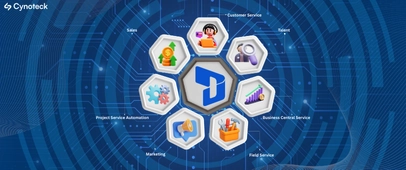
Helps sales teams manage leads, opportunities, pipelines, and customer relationships. Ideal for improving sales productivity and forecasting revenue.
Designed for support teams to handle cases, omnichannel interactions, SLAs, and customer satisfaction using AI-driven insights.
Enables personalized customer journeys, email campaigns, lead nurturing, and event management with deep CRM integration.
Optimizes onsite service operations with work orders, scheduling, asset tracking, and IoT-enabled predictive maintenance.
An enterprise-grade ERP for financial operations, budgeting, compliance, and global accounting.
An all-in-one ERP for small and mid-sized businesses covering finance, sales, purchasing, inventory, and operations.
Built for project-driven organizations to manage project planning, billing, resource allocation, and profitability.
Dynamics 365 is used by 500,000+ organizations globally, including Coca-Cola, HP, and BMW.
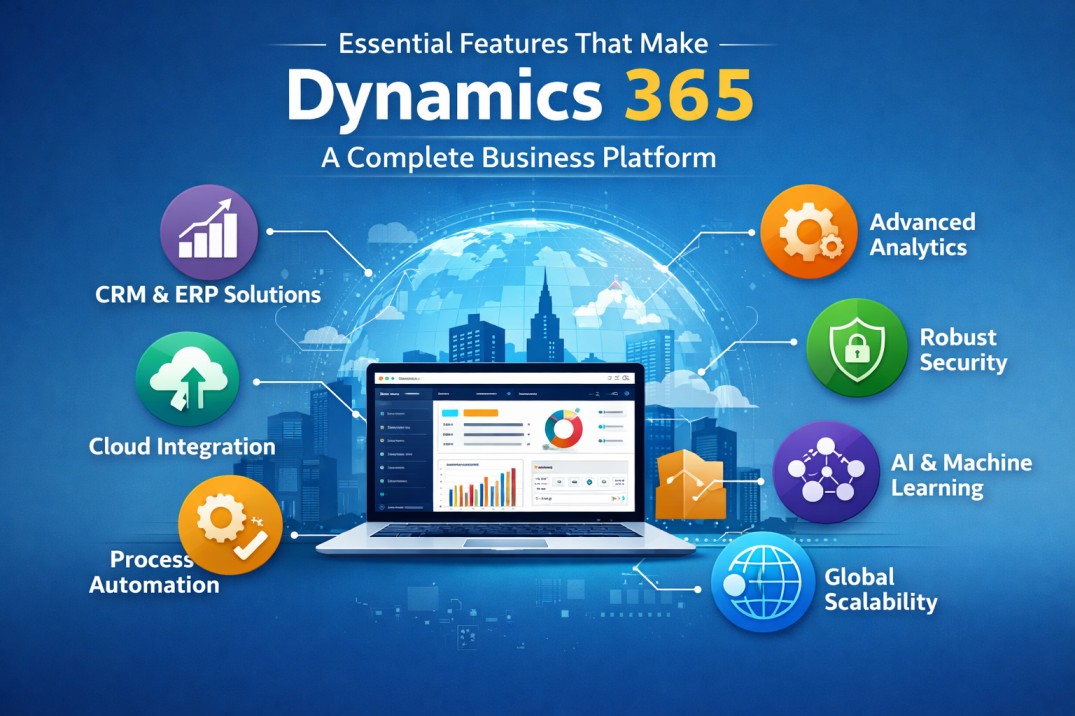
Microsoft Dynamics 365 is a powerful, cloud-based business platform designed to unify CRM and ERP capabilities into one intelligent ecosystem. It helps organizations connect data, automate processes, and gain real-time insights across sales, service, finance, operations, and marketing—while staying flexible and scalable as the business grows.
Native cloud architecture on Microsoft Azure
Centralized and standardized data (Dataverse)
Built-in AI and Copilot capabilities
Regular automatic upgrades
Advanced ERP + CRM functionalities
Enterprise-grade security and compliance
Seamless integration with Microsoft 365 and Power BI
Industry-specific apps and extensions via AppSource
Dynamics 365 acts as a single source of truth, enabling departments like sales, finance, customer support, marketing, and operations to work in sync. This leads to better collaboration, cleaner data, and faster decision-making.
Microsoft Power Platform is a low-code/no-code platform designed to help organizations build custom apps, automate workflows, analyze data, and create digital experiences—fast.
It is particularly valuable in environments where data is scattered across spreadsheets, legacy systems, CRMs, websites, and accounting tools.
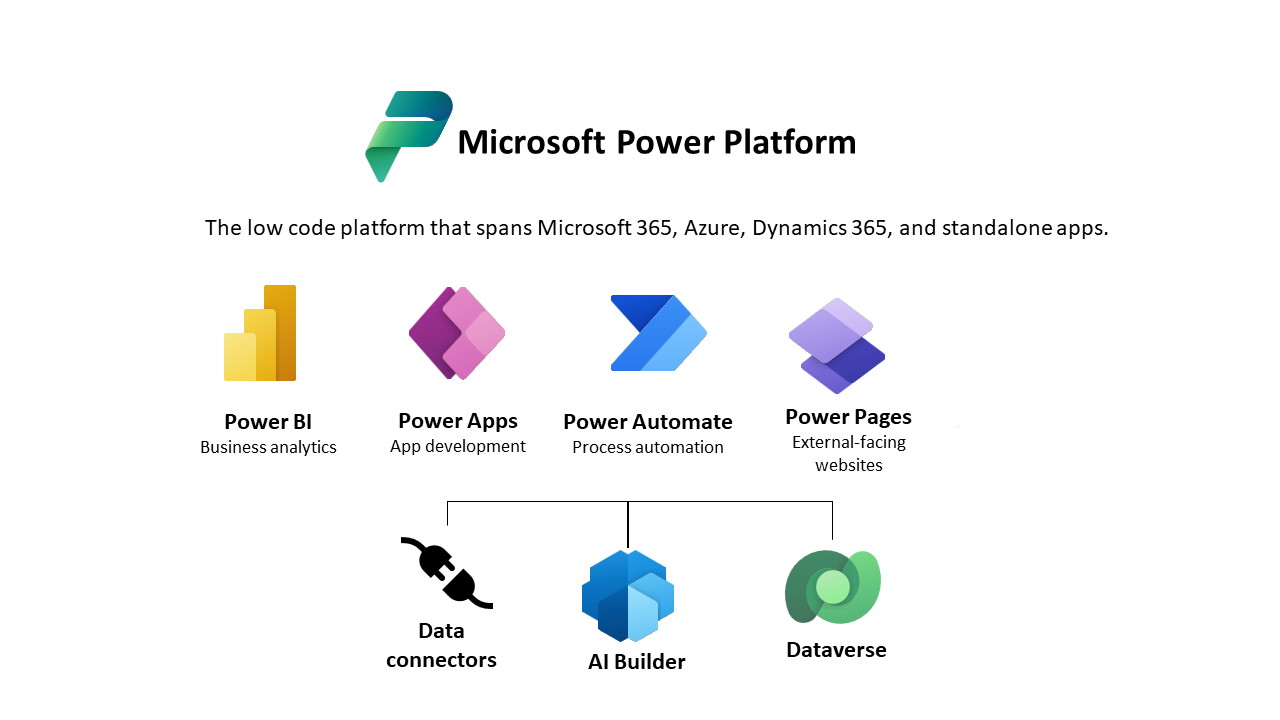
Power Apps – Build custom business apps
Power Automate – Automate workflows and approvals
Power BI – Data visualization and analytics
Copilot Studio – AI-powered chatbots and assistants
Power Platform connects all these data sources into a unified, accessible system—without heavy development effort.
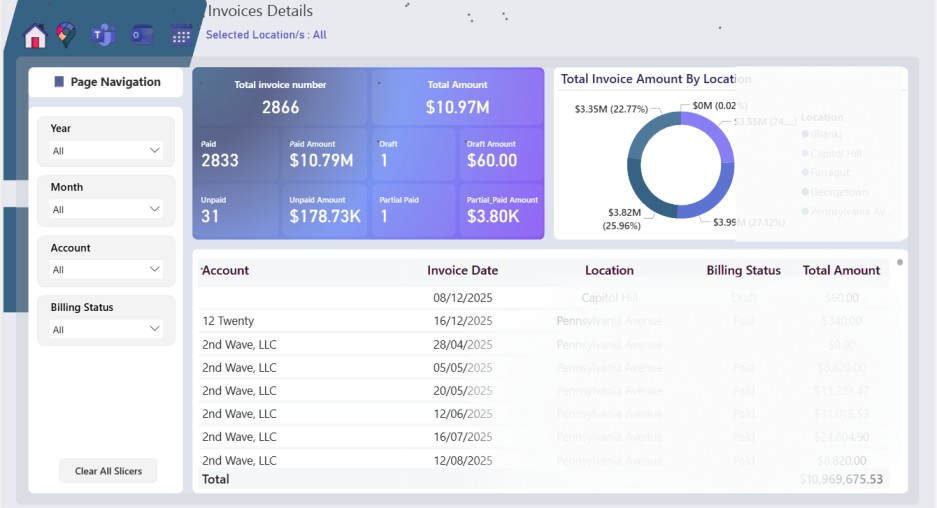
Microsoft Power Apps is a low-code application development platform from Microsoft that enables businesses to quickly build custom apps tailored to their specific workflows and processes. It allows both developers and non-technical users (citizen developers) to create apps using a visual, drag-and-drop interface with minimal coding.
Power Apps connects seamlessly with data sources such as Microsoft Dataverse, SharePoint, Excel, SQL Server, and third-party systems, making it easy to turn existing data into functional business applications. Organizations use Power Apps to modernize manual processes, replace spreadsheets, and digitize tasks like approvals, inspections, and data collection.
As part of the Microsoft Power Platform, Power Apps integrates tightly with Power Automate, Power BI, and Microsoft Copilot, enabling automation, analytics, and AI-assisted app creation. This makes Power Apps an ideal choice for businesses looking to build fast, scale efficiently, and innovate without heavy development costs.
Whether you’re a developer or a business user, Power Apps enables you to:
Digitize manual and paper-based processes
Build apps using drag-and-drop UI
Connect to 700+ data sources
Automate workflows using Power Automate
Deploy apps quickly across web and mobile
According to Gartner, by 2026, 75% of enterprise applications will be built using low-code or no-code platforms like Power Apps.
Power Apps is ideal for rapid innovation, internal tools, and cost-effective modernization—without overloading IT teams.
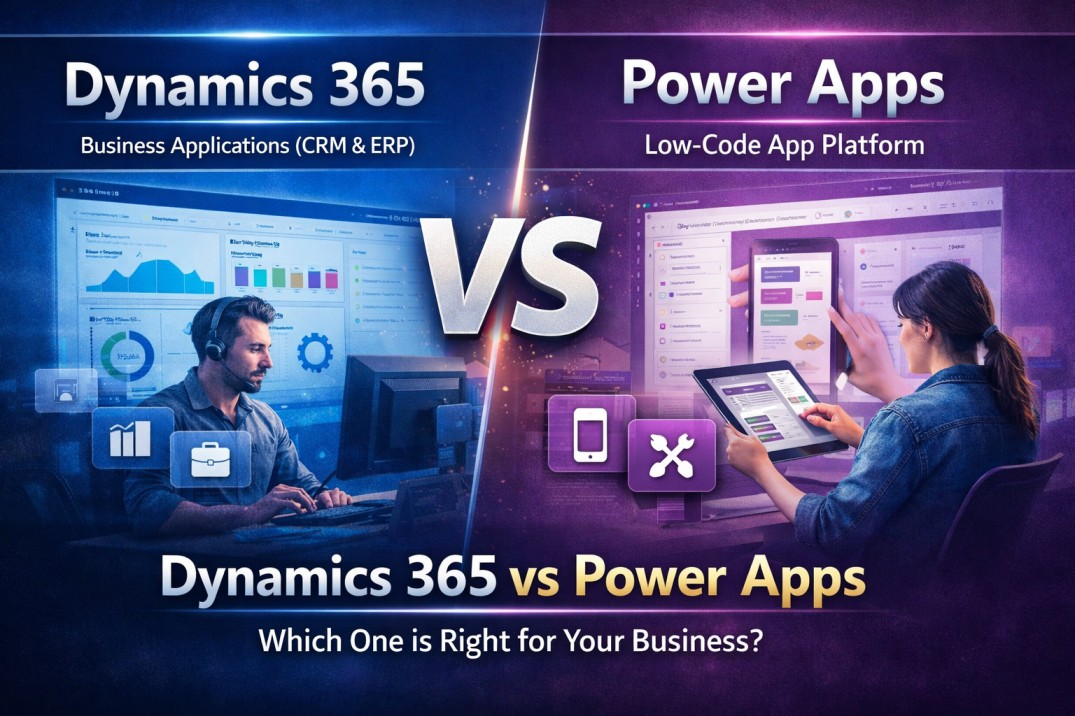
Dynamics 365 vs Power Apps serve different business needs, even though both are part of the same Microsoft ecosystem. While Dynamics 365 delivers pre-built CRM and ERP applications for managing end-to-end business processes, Power Apps focuses on rapid, low-code app development for solving specific workflows and operational challenges. The comparison below highlights the key differences between Dynamics 365 vs Power Apps to help you choose the right solution for your organization.
Feature | Microsoft Dynamics 365 | Power Apps |
|---|---|---|
Core Purpose | Full CRM & ERP solutions | Custom app development |
Best For | Mid to large enterprises | Businesses of all sizes |
Deployment Speed | Fast (pre-built modules) | Varies by app complexity |
Customization | Structured extensibility | Highly flexible |
Cost Model | Subscription per app/user | Per app, per user, or pay-as-you-go |
Data Handling | Native Dataverse | Dataverse + 700+ connectors |
AI Capabilities | Built-in Copilot | AI via Power Platform tools |
Governance | Strong enterprise controls | Requires governance planning |
You should choose Microsoft Dynamics 365 when your organization needs a comprehensive, enterprise-ready solution to manage end-to-end business processes. It is ideal for businesses looking to unify CRM and ERP capabilities, gain real-time insights across departments, and scale operations on a single, secure Microsoft platform.
You need an end-to-end CRM or ERP solution
Dynamics 365 is best when you require structured systems for sales, customer service, finance, supply chain, or field service rather than isolated apps.
Want a single source of truth across teams
It connects customer data, financials, operations, and reporting in one unified data model, eliminating silos and duplication.
Operate at mid-to-large business scale
If you manage complex workflows, multiple departments, or global operations, Dynamics 365 provides the governance and scalability you need.
Rely on data-driven decision-making
Built-in AI, analytics, and Copilot capabilities help forecast outcomes, optimize processes, and improve performance across functions.
Need deep Microsoft ecosystem integration
Dynamics 365 works seamlessly with Microsoft 365, Power Platform, Teams, Azure, and Power BI for productivity and automation.
You should choose Microsoft Power Apps when your business needs to build custom applications quickly without the cost and complexity of full-scale software development. Power Apps is ideal for organizations looking to solve specific problems, digitize manual workflows, and empower teams to create solutions with minimal coding.
Microsoft’s Power Platform — including Power Apps — has been recognized as a leader in the 2025 Gartner® Magic Quadrant for Enterprise Low-Code Application Platforms, a key analyst indicator of market strength and enterprise adoption.
Choose Power Apps if you:
You need rapid application development
When business requirements change fast and waiting months for custom development isn’t an option. Power Apps enables apps to be built and deployed in weeks or even days, making it ideal for quick pilots, MVPs, and internal tools.
You have limited development resources
If your IT team is stretched or focused on core systems, Power Apps allows citizen developers (business users, analysts, operations teams) to build functional apps using low-code, drag-and-drop components—without deep programming expertise.
You want to digitize and automate manual processes
Perfect for replacing Excel sheets, email approvals, paper forms, and disconnected workflows. Common use cases include expense approvals, employee onboarding, inspections, service requests, inventory tracking, and internal request portals.
You already use the Microsoft ecosystem
Power Apps integrates seamlessly with Microsoft 365, SharePoint, Teams, Dataverse, Dynamics 365, Outlook, and Excel. If your data already lives in Microsoft tools, Power Apps becomes a natural extension rather than a new system to manage.
You need mobile or field-ready applications
Ideal for field teams and on-the-go users who need mobile apps with features like offline access, barcode scanning, photo capture, GPS location, and form-based data collection—all without building native mobile apps from scratch.
You want a cost-effective alternative to custom software
Power Apps significantly reduces development cost, maintenance effort, and time-to-value compared to traditional custom-built applications—especially for internal or department-level solutions.
You don’t need a full CRM or ERP
Power Apps is best when you need lightweight, flexible apps to solve specific problems, not a fully structured end-to-end enterprise system like a full CRM or ERP implementation.
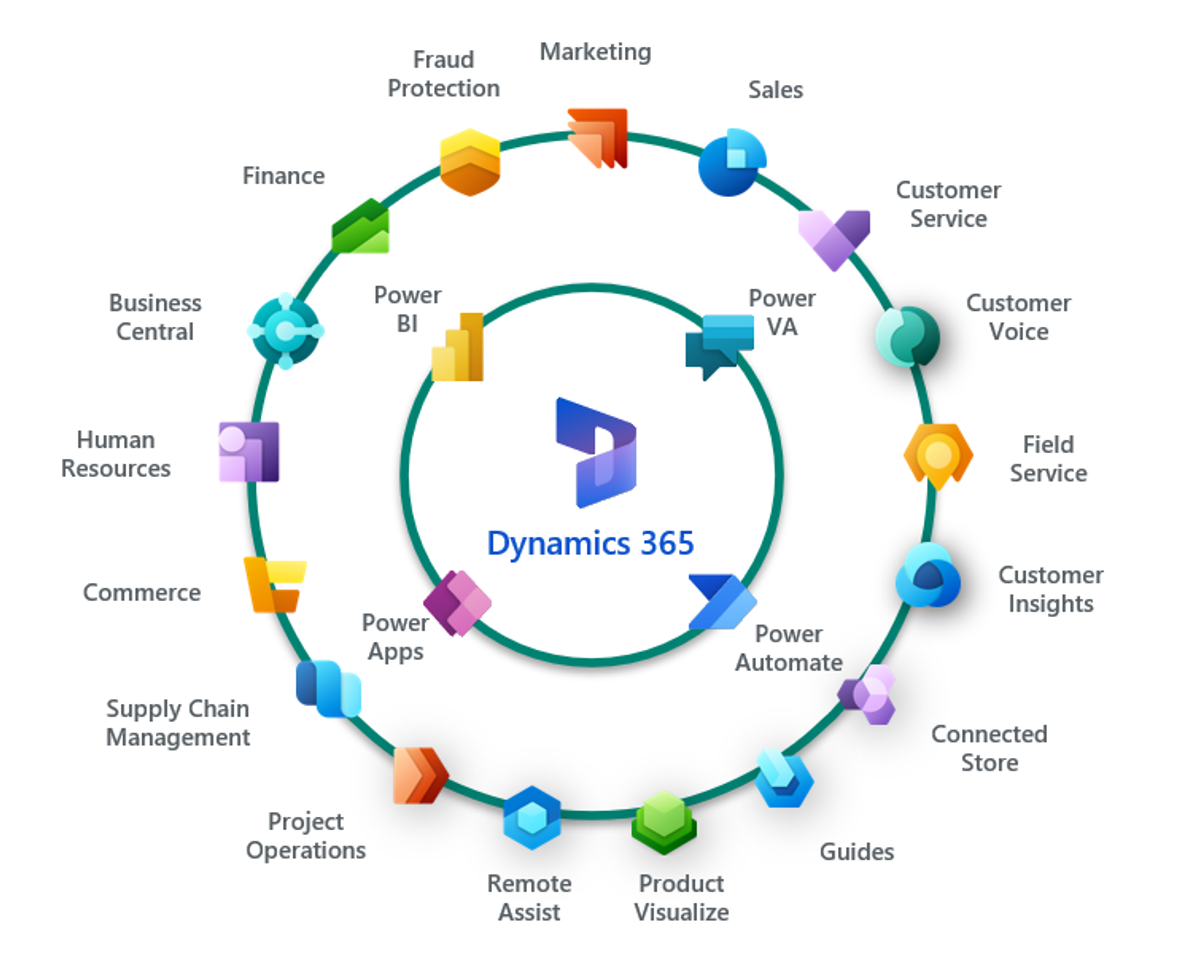
Organizations often use Microsoft Dynamics 365 as their core system of record and Microsoft Power Apps to extend, customize, and innovate on top of it. This combined approach clearly illustrates how Dynamics 365 vs Power Apps are not competing solutions but complementary platforms. Together, they create a flexible ecosystem where structured enterprise processes meet rapid, low-code innovation—without compromising security or scalability.
In a hybrid Dynamics 365 vs Power Apps model, Dynamics 365 manages standardized business functions such as CRM and ERP, while Power Apps enables teams to build custom apps, workflows, and portals tailored to specific business needs. Both platforms run on Microsoft Dataverse, ensuring real-time data synchronization, unified security, and a seamless user experience across applications.
Custom mobile applications built with Power Apps sync directly with Dynamics 365 Field Service, enabling technicians to update work orders, assets, and job status on the go.
Lightweight Power Apps forms feed data directly into Dynamics 365 Sales, ensuring clean, structured lead management without manual data entry—one of the most practical Dynamics 365 vs Power Apps use cases.
Secure portals built using Power Pages allow employees, partners, and customers to safely interact with Dynamics 365 data while extending system capabilities beyond core users.
Power Apps and Power Automate layer intelligent approval workflows on top of Dynamics 365 ERP and CRM processes, reducing delays, errors, and manual follow-ups.
Choosing between Dynamics 365 vs Power Apps isn’t just a technical decision—it’s a strategic business one. At Cynoteck Technology Solutions, we follow a consultative, use-case–driven approach to help organizations select the right Microsoft solution based on their goals, processes, and growth roadmap.
We begin by analyzing your existing systems, operational challenges, and scalability requirements. Based on this assessment, our experts recommend whether Dynamics 365, Power Apps, or a hybrid Dynamics 365 vs Power Apps approach will deliver the highest ROI. From strategy and implementation to customization, integration, and ongoing support, Cynoteck ensures a secure, scalable, and future-ready deployment—helping you unlock the full potential of the Microsoft ecosystem.
Talk to our Dynamics 365 experts and get a tailored CRM strategy built around your sales, service, and customer goals.
Book a Free Dynamics 365 CRM ConsultationDynamics 365 is a full-fledged enterprise CRM and ERP suite designed to manage sales, marketing, service, finance, and operations. Power Apps, on the other hand, is a low-code/no-code platform used to build custom business applications quickly. In short, Dynamics 365 solves complete business processes, while Power Apps solves specific problems.
No, Power Apps is not a replacement for Dynamics 365. Instead, it works as a powerful extension that enhances Dynamics 365 with custom apps, tailored workflows, and unique user experiences. In 2026, most enterprises use both together to balance standardization and flexibility.
When comparing Dynamics 365 vs Power Apps, Dynamics 365 enables faster deployment for organizations that need ready-made CRM or ERP capabilities with minimal customization. In contrast, Power Apps offers faster time-to-value when businesses want to build lightweight, custom applications tailored to specific teams or processes. Ultimately, the decision in Dynamics 365 vs Power Apps comes down to whether you prioritize speed through configuration or speed through customization.
Yes, Power Apps can work independently without Dynamics 365. It can connect to Dataverse, SharePoint, Excel, SQL, and third-party systems. However, when integrated with Dynamics 365, Power Apps delivers deeper data access, automation, and enterprise-grade functionality.
Power Apps is generally more cost-effective for small businesses with simple workflows or limited automation needs. Dynamics 365 becomes more cost-efficient when businesses require end-to-end CRM or ERP features across multiple departments. The total cost depends on user count, complexity, and long-term scalability.
Dynamics 365 offers role-based Copilot features such as sales insights, customer summaries, forecasting, and automated responses. Power Apps Copilot focuses on assisting app creation, writing formulas, and building workflows faster. Both leverage AI differently based on their core purpose.
In the context of Dynamics 365 vs Power Apps, Dynamics 365 is designed for enterprise-scale growth, supporting complex data models, advanced security roles, and multi-region deployments. Power Apps, on the other hand, scales effectively for departmental solutions and custom app scenarios—especially when built on Microsoft Dataverse. As a result, many large organizations adopt a combined Dynamics 365 vs Power Apps approach to enable scalable innovation while maintaining enterprise-grade control.
Power Apps can handle complex processes when paired with Power Automate, Dataverse, and Azure services. However, it may require more design effort compared to Dynamics 365’s prebuilt process frameworks. For deeply structured processes, Dynamics 365 provides better governance and control.
Yes, both Dynamics 365 and Power Apps support extensive integrations. They connect seamlessly with Microsoft 365, Teams, Outlook, Azure, and hundreds of third-party tools. This makes them ideal for building connected, data-driven business ecosystems.
When evaluating Dynamics 365 vs Power Apps, choose Dynamics 365 if your organization needs a complete, standardized CRM or ERP solution with built-in best practices and enterprise-grade capabilities. Choose Power Apps if your priority is building custom applications quickly or enabling rapid innovation for specific business processes. In 2026, the most effective strategy for many organizations is a hybrid Dynamics 365 vs Power Apps approach, using Dynamics 365 as the core system and Power Apps to extend and customize it.
Cynoteck analyzes your business goals, processes, data complexity, and scalability needs before recommending Dynamics 365, Power Apps, or a hybrid approach. Our experts ensure you invest in the right Microsoft solution that delivers long-term value, not just short-term functionality.
Yes. Cynoteck specializes in building integrated Dynamics 365 + Power Apps solutions that combine enterprise-grade CRM/ERP capabilities with custom applications. We design, implement, and optimize solutions that are secure, scalable, and aligned with your business growth.

Confused between Dynamics 365 vs Power Apps? Explore their key differences, real-world use cases, pricing insights, and expert guidance from Cynoteck to help you choose the right Microsoft solution in 2026.
.webp)
Explore the top Microsoft Dynamics 365 consulting companies in 2026. Compare expertise, services, and ROI to find the best partner for your digital transformation.
We are more than just developers and consultants—we are your partners in navigating the digital landscape. Let us be the engine behind your next big success while you focus on your core vision.
Explore Opportunities!